1.First click E-shop and goto the Product Groups Page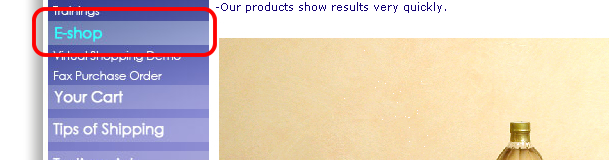
|
2. Click the banner of Product Group as you like and goto next page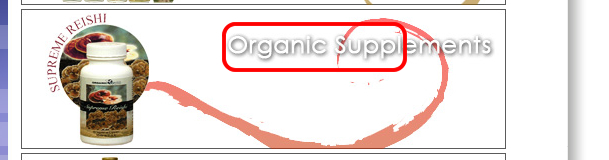
|
3. Click the icon of cart to pick the product into the shopping cart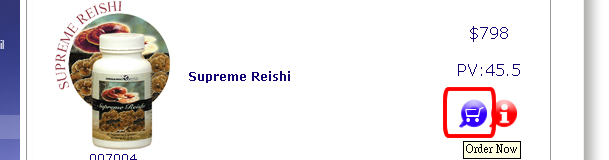
|
4.Click the icon of cart and input the quantity of products 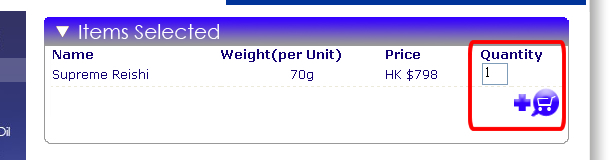
|
5.Input the value into the quantity and press the Update to update your wants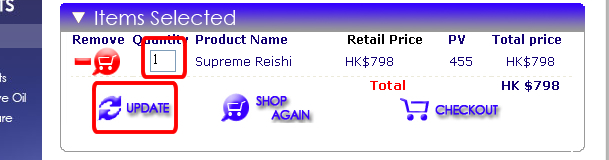
|
6.Pay attention for the PV and Total price have been updated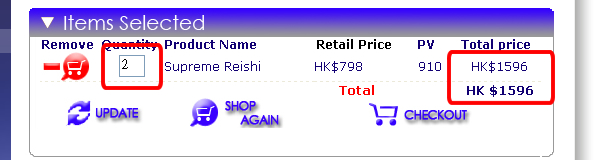
|
7.Click the checkout and goto next page (you can click the ShopAgain and continue shopping)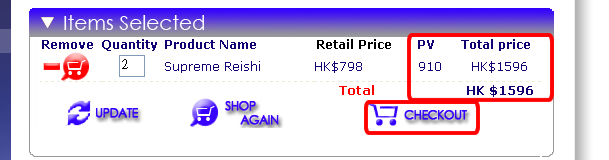
|
8.Input the delivery infomation into form and select one method of payments. Now choosing the PayPal and click the Submit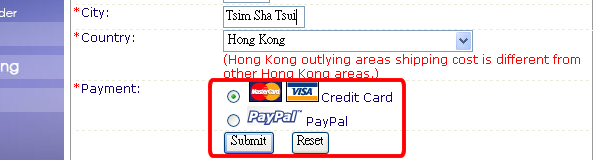
|
9.Pay attention for the Payment method which is choosen before. If no problem, please click the Submit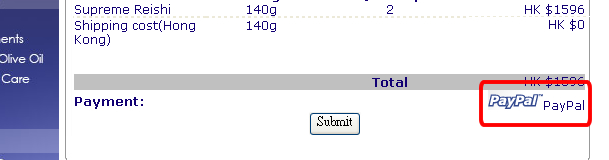
|

10. Goto the PayPal Payment Page, Please find the Company Name is ORGANIC VISION LIMITED and Amount is correct or not . If have PayPal account, please login and continue shopping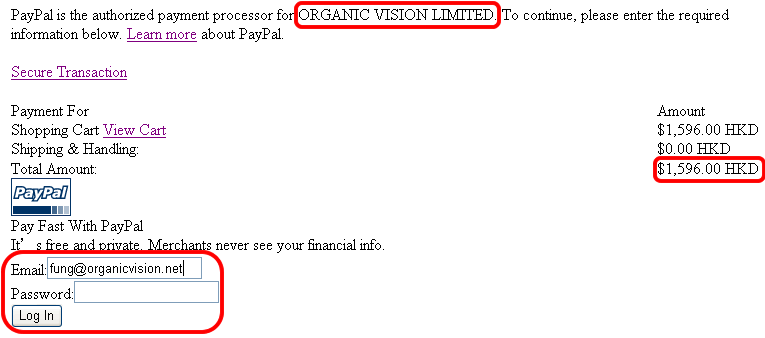 |